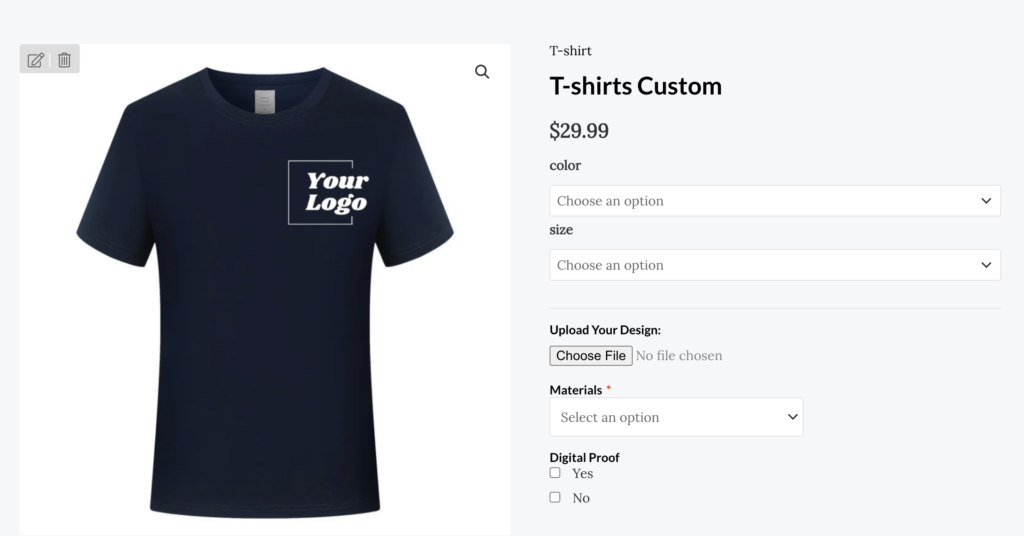

Canva is a user-friendly tool for designing mockups of corporate uniforms and swag. Here’s a step-by-step guide:
Log In Canva.com and Search for Mockups
- Log in to your Canva account.
- Use the search bar and type “T-shirt mockup,” “jacket mockup,” or “bottle mockup” to find templates.

Select a Template
- Choose a mockup template that suits your product type and style. Canva offers a variety of layouts for apparel, mugs, bottles, and more.
Add Your Branding
- Adjust colors, fonts, and styles to match your brand.
- Experiment with patterns or slogans to make the uniform or swag stand out.

Customize the Design
- Upload your logo, brand colors, and any design elements.
- Drag and drop these assets onto the mockup. Use the alignment tools to position them perfectly.

Preview the Final Mockup
- Use the zoom and preview functions to ensure everything looks professional and polished.
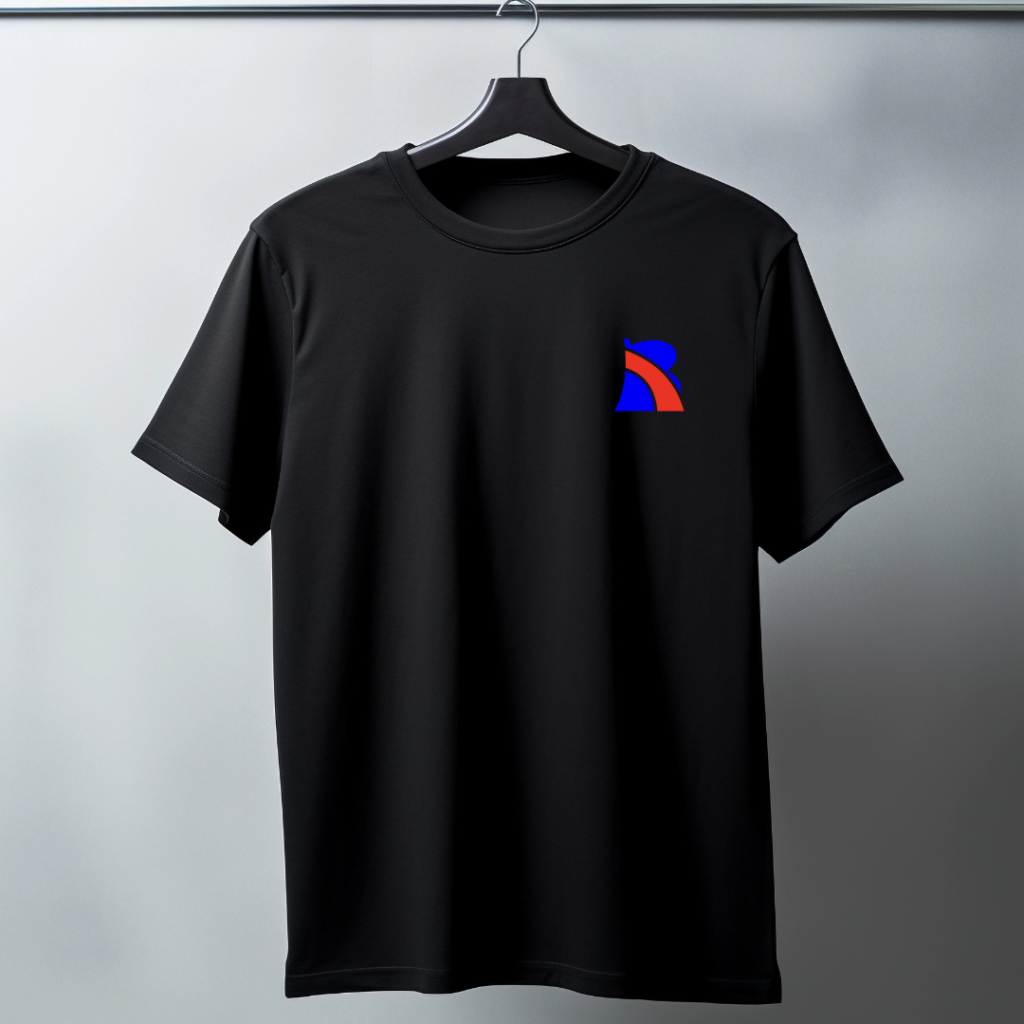
Download your mockup in high resolution.
Download and share among your team, easy for decisionmaking.
Upload to BestPrinto.com
Upload your logo to BestPrinto.com and get your products delivered.